


توضیحات
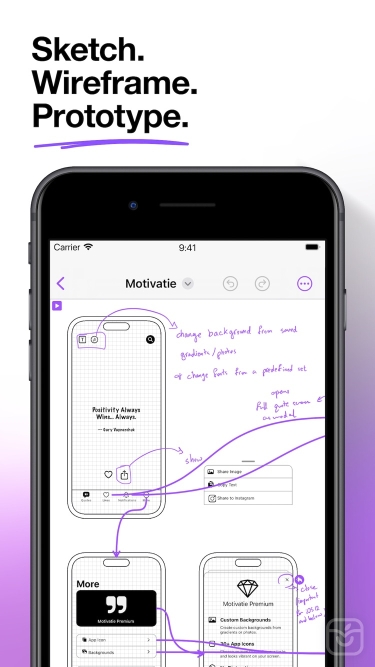
Elevate your design workflow with Mockup, the ultimate companion for UI & UX sketching, wireframing, and prototyping on iOS. Explore a fresh approach and intuitive features that make Mockup the go-to app for ideating and blueprinting your next app or web design.
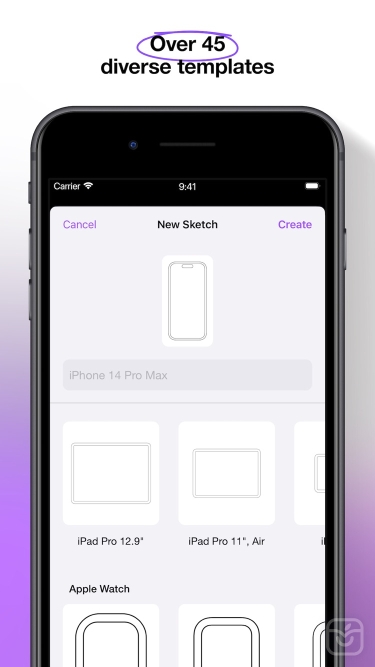
Choose from over 45 device templates in two orientations, allowing you to visualize your ideas effortlessly. Enjoy a smooth and enjoyable UI/UX sketching experience with Apple Pencil.
Key Features:
- Let your creativity flow with a flexible canvas and abundant frames for limitless design possibilities.
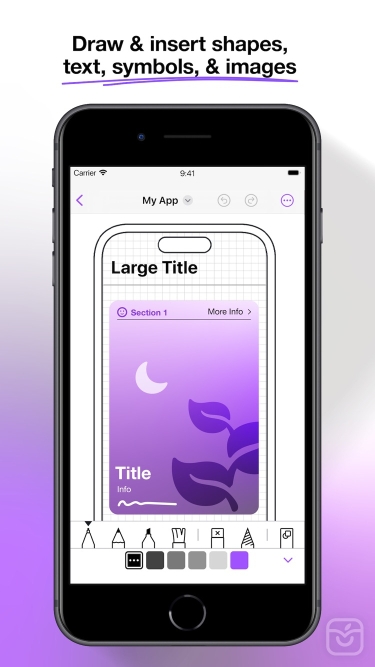
- Bring your designs to life with a variety of drawing tools & a rich color palette.
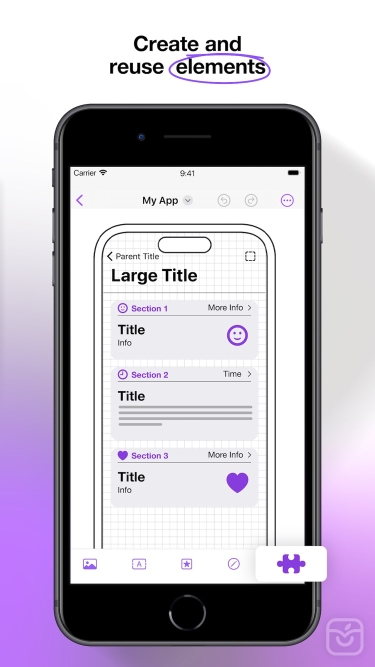
- Access Mockup’s Library of preset elements or create and save your own for reuse in your projects.
- Seamlessly insert images, visuals, and screenshots from your files into your projects.
- Add text, customize, and save your own text styles to incorporate in your designs.
- Drag & drop text or images from any app directly into the canvas.
- Elevate your sketches with over 4000 symbols from Apple's SF Symbols library.
- Incorporate and customize shapes such as rectangles, ellipses, & lines.
- Have an effortless object control with Mockup’s lasso tool to move, resize, recolor, group & ungroup objects.
- Draw perfect shapes with snap-to-grid functionality through Shape Detection.
- Achieve a consistent layout with easy arrangement, precise alignment, and seamless distribution of objects.
- Cut, copy, or paste any selection anywhere in the canvas or even copy text or image objects to other apps. Paste text, images, or drawings copied from other apps inside the canvas with Pasteboard Support.
- Enjoy customizable grid options for precise layout control.
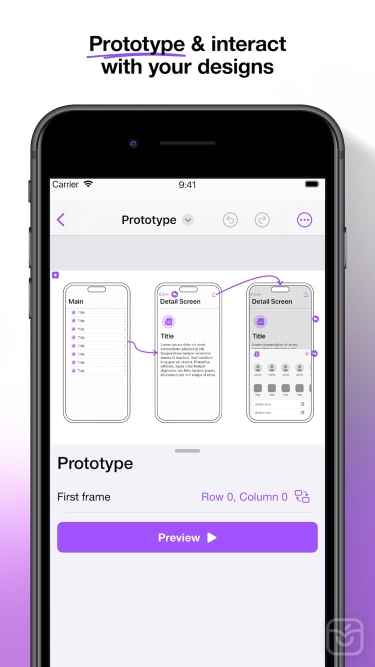
- Create dynamic flows and experience immersive prototype previews in full screen.
- Export your projects in high-quality PDF or PNG formats, or share Mockup files with ease.
- Effortlessly organize your projects and sketches by grouping sketches into projects or creating projects within projects.
- Multitask with multiple windows for enhanced productivity.
- Duplicate a sketch across multiple frames, switch two frames for faster sketching, hide a frame to create more space or add notes, clear a frame, or export a frame.
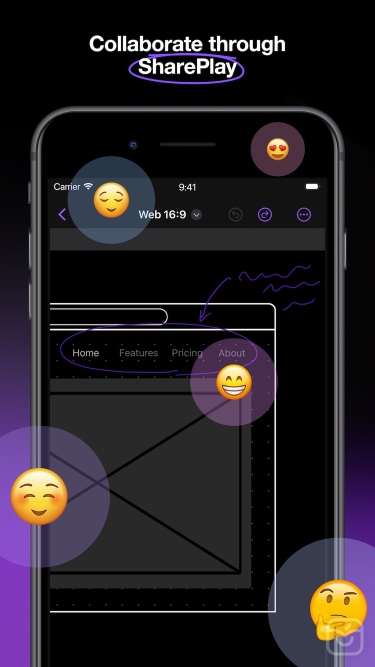
Collaborate seamlessly with colleagues or clients directly from the app using SharePlay.
Take full control over your canvas with expand, rotate, lock, and zoom options. Customize finger gestures to suit your desired purpose and level of detail.
Enjoy a desktop-class experience with an external keyboard and trackpad support.
Utilize Apple Pencil Hover for enhanced precision and control. Preview and switch between drawing tools on the canvas before making a mark. Explore the animation in the color picker feature, sketches, and projects.
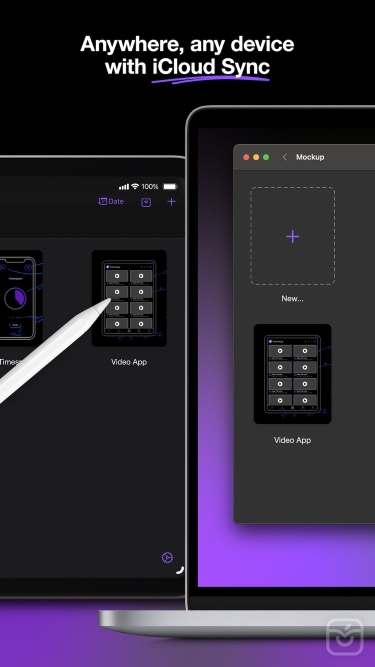
Easily reach your sketches and projects across all your devices with iCloud sync.
Conveniently access your recently opened sketches with the Recents Widget. Display widget sketches directly on your home screen with Preview Widgets.
Unleash your creative potential with unlimited projects and sketches for free. Unlock the premium features with one of our paid plans.
Premium features include access to: Unlock All Templates, Access Exclusive Elements, Remove Watermarks from Exported PDFs, Prototype, Enable PNG export, Shape Detection, Use Symbols (4000+ customizable symbols), Create Nested Projects, and Create Unlimited Element Sets.
Terms of Service:
https://apprime.studio/terms-of-service/
Privacy Policy:
https://apprime.studio/privacy-policy/
تغییرات نسخه اخیر
This update brings bug fixes and improvements.
Mockup is now faster, more personal, and available in your language—with new localization, default tool preferences, and quicker prototype previews.
- Language Support: Use Mockup in Arabic, French, Spanish, German, Brazilian Portuguese, Japanese, or Simplified Chinese—everything feels native, from your first sketch to your final preview.
- Set Default Tool: Choose your go-to tool—drawing or lasso—and it’s ready to use the moment you open a new sketch.
- Faster Prototype Previews: Experience noticeably quicker prototype previews with improved responsiveness.
Try the latest version and let us know what you think!
توسعه دهنده
Apprime Studio sarl